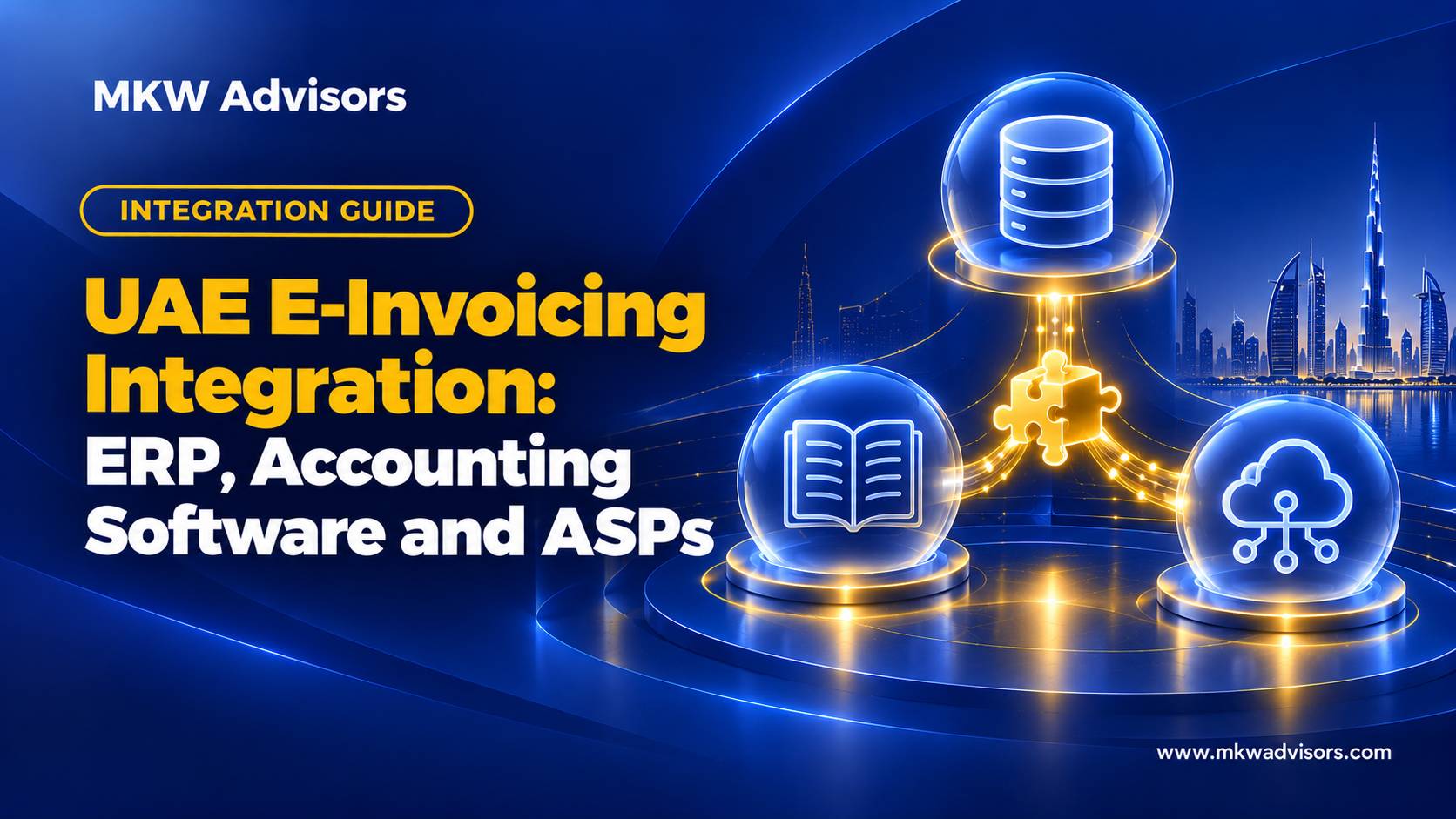
UAE e-invoicing integration connects the system that creates invoices (ERP, accounting software or billing platform) to the Accredited Service Provider that validates, transmits and reports them. A connector maps your data to PINT AE, sends it to the ASP, and returns statuses and errors. Four patterns exist (native connector, API, middleware, controlled file process); the right one depends on your systems, volume and who will maintain it.
Why this matters now. Integration is the step with the longest lead time and the most dependencies on other parties. Deciding the pattern early lets the ASP, your software vendor and your team work in parallel instead of in sequence.
What does the typical flow look like?
- Your system prepares invoice data.
- A connector maps it to PINT AE.
- The ASP validates and transmits it to the buyer’s ASP and reports tax data.
- Statuses and errors return to your system or a monitoring dashboard.
Confirm the exact architecture and reporting flow with your provider.
Which integration pattern fits?
| Pattern | Best for | Watch out for |
|---|---|---|
| Native connector | Mainstream cloud accounting | Edition and region limits |
| Direct API | In-house or custom ERP | Development and maintenance effort |
| Middleware | Several systems or entities | Extra cost; another party to manage |
| Controlled file process | Low volume or interim | Manual steps, reconciliation discipline |
Who owns the data and the connector?
Define the source of truth for parties, tax codes, invoice numbers and credit notes. Assign owners for field mapping, credentials, monitoring and incident response, and write them into the contract.
What should testing cover?
Eight cases: standard invoice, credit note, missing field, rejection, duplicate submission, outage, retry, and reconciliation of statuses against the ledger.
Worked example: choosing a pattern
A single-entity business on mainstream cloud accounting takes the native connector: least effort, vendor-maintained, limited to what the connector exposes. A group with three entities on two ERPs chooses middleware so one integration team handles mapping for all three, accepting an extra monthly cost and a third party to manage. A software company with an in-house billing engine builds against the ASP’s API because it already has developers and wants full control of statuses. Each choice is right for its business and wrong for the other two.
An ownership map
| Item | Owner |
|---|---|
| Customer, vendor, item and tax master data | Finance lead |
| Field mapping document | Finance lead with integrator |
| Connector credentials | IT or software partner |
| Daily status and rejection monitoring | Bookkeeper |
| Connector maintenance and updates | Named in contract (vendor, ASP or integrator) |
| Incident escalation | Finance lead → ASP support |
An item with no owner is the one that fails at 5 pm on the last day of the month.
Mistakes to avoid
- Assuming “integrated” means statuses come back.
- Leaving connector maintenance unassigned.
- Testing only outbound invoices.
Frequently asked questions
Does e-invoicing integration remove manual work? It removes re-keying; exceptions, rejections and corrections still need staff action.
What should the integration contract cover? Scope, flows, fees, service levels, security, maintenance responsibility, data ownership and exit options.
Can one integration serve several entities? Often, through middleware or a multi-entity connector; confirm per-entity identifiers and reporting with the ASP.
Key takeaways
- Integration = your system → connector → ASP → statuses back.
- Four patterns; choose by systems, volume and maintenance capacity.
- Eight test cases, and clear ownership of mapping, credentials and monitoring.
How MKW Advisors can help
Want the integration pattern and ownership map documented before you talk to vendors? WhatsApp MKW Advisors on +91 96677 44073. We prepare the data side and coordinate with your ASP and software vendor. Next read: Zoho Books Setup for UAE Businesses (Blog 21).
If your business is reviewing UAE e-invoicing readiness, accounting workflows, Zoho Books setup or monthly bookkeeping, MKW Advisors can discuss your requirements and the support that may be appropriate. Any e-invoicing network services should be provided through a service provider whose current accreditation has been verified in the official UAE Ministry of Finance directory.
Call or WhatsApp MKW Advisors: +91 96677 44073
This article is for general information only and is not legal, tax or accounting advice for a specific transaction. Requirements may change. Confirm current rules and obtain qualified professional advice where needed.
Related guides
- UAE E-Invoicing 2026–2027: Complete Guide for Businesses
- E-Invoicing Implementation Services in Dubai: What to Look For
Official sources and further reading
- UAE Ministry of Finance — official eInvoicing portal and guidance
- MoF — Accredited eInvoicing Service Providers directory
- MoF — October 2026 amendment to eInvoicing regulations
- MoF — UAE 4-corner eInvoicing model
- MoF — ASP accreditation framework update, October 2026
- UAE Federal Tax Authority — eInvoicing